VIDEO EDITING HANDS-ON WORKSHOP
From Zero
to Confident
Video Editor
Learn how to confidently edit videos for social media, content creation, and freelancing — from beginner to portfolio-ready in 3 weeks.
The Problem You're Facing
Video content is booming, but most beginners get stuck at the first step.
If you’ve ever felt that:
❌ You want to edit videos but don’t know where to start
❌ You feel lost with all the editing software and settings
❌ You struggle to tell a story through your footage
❌ Your videos don’t feel polished or professional
❌ You don’t know how to create portfolio-ready clips for clients
Then random tutorials aren’t enough. You need a step-by-step video editing system that takes you from raw footage to polished content with confidence.
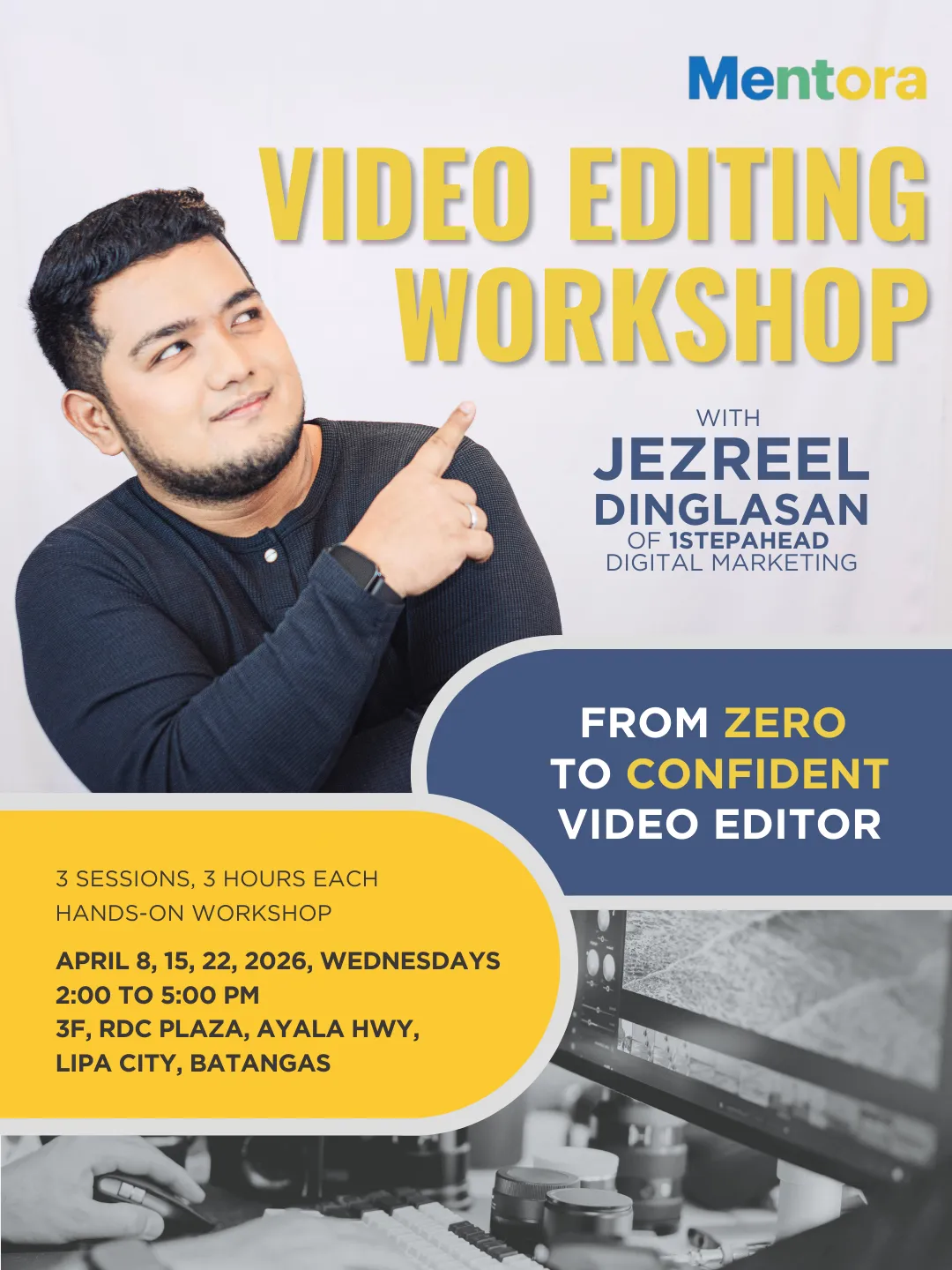
WORKSHOP DETAILS
A 3-Session Hands-On Video Editing Workshop (Seats available In-Person and Virtual, at The Playground PH, Lipa City)
✔ Duration: 3 sessions, 3 hours each
✔ Schedule: Every Wednesday, 2–5 PM, starting April 8, 2026
✔ Mode: In-person at The Playground PH, Lipa City and Virtual Live
What Participants Need
-- Laptop (Windows or Mac)
-- Installed editing software (free or paid allowed)
-- Headphones
-- Willingness to edit, fail, and improve
Transform the Way You Edit. Transform the Way You Create.
This workshop helps you go from:

✔ Confident & structured
❌ Nervous & confused

✔ Workflow-ready & client-ready
❌ Fear of software

✔ Repeatable, professional editing process
❌ Trial-and-error
You don’t need shortcuts. You need a system, and this is it.
WHAT YOU'LL LEARN
WORKSHOP OUTLINE
SESSION 1 – VIDEO EDITING FOUNDATIONS, WORKFLOW & FIRST EDIT
April 8, 2026, 2–5 PM
Learn how video editing works, set up your tools properly, and complete your first edit.
Topics:
🎯 What video editing really is (storytelling, not buttons)
🎯 Overview of beginner-friendly editing software (CapCut, Premiere Pro, DaVinci Resolve)
🎯 Understanding video formats, codecs, resolution, frame rates
🎯 File management & project setup
🎯 Editing mindset: cut for clarity, not effects
Hands-On:
• Software installation & workspace setup
• Importing raw footage
• Basic timeline navigation
• Cutting & trimming clips
• Creating a simple sequence (intro–middle–outro)
SESSION 2 – STORYTELLING, PACING, and AUDIO
April 15, 2026 (2-5 PM)
Learn how to make videos engaging and polished through structure, pacing, and sound.
Topics:
🎯 Video storytelling basics (hook, flow, payoff)
🎯 Jump cuts vs. smooth cuts
🎯 Editing for attention (especially for short-form content)
🎯 B-roll usage and cutaways
🎯 Audio basics (levels, clarity, noise reduction)
🎯 Background music selection and mixing
🎯 Common beginner mistakes and how to avoid them
Hands-on:
• Practice pacing and timing
• Edit a talking-head video
• Add B-roll to improve storytelling
• Clean up dialogue audio
• Add background music properly
• Create short-form (Reels/TikTok style) and long-form edits
SESSION 3 – TEXT, AND EFFECTS, COLOR GRADING, EXPORTING & FREELANCE READINESS
April 22, 2026 (2-5 PM)
Finalize videos, prepare professional exports, and get participants ready for real-world delivery.
Topics:
🎯 Text, subtitles, and captions (readability matters)
🎯 Transitions that don’t look “cheap”
🎯 Basic color correction vs. color grading
🎯 Export settings for different platforms (YouTube, Facebook, Instagram, TikTok)
🎯 File naming & delivery best practices
🎯 Client workflow (brief → edit → revision → delivery)
🎯 How to build a simple editing portfolio
🎯 Pricing basics & getting first editing clients
Hands-on:
• Create subtitles and lower thirds
• Use simple effects tastefully
• Apply basic color correction
• Export videos in multiple formats
• Final polish and revisions
• Portfolio video selection
• Mock client feedback & revision exercise
Ready to Edit with Confidence?
regular rates apply after the early-bird promo ENDs
EARLY-BIRD RATE
Edit with Confidence (In-person)
67%+ OFF
̶₱̶1̶5̶0̶0̶0̶
In-Person
3 Sessions, 3 Hours Per Session
Hands-On Guided Activities
Feedback from Mentor
Save P10,050
EARLY-BIRD RATE
Edit with Confidence (Virtual)
73%+ OFF
̶₱̶1̶5̶0̶0̶0̶
Virtual
3 Sessions, 3 Hours Per Session
Hands-On Guided Activities
Feedback from Mentor
Save P11,050
About the Mentor
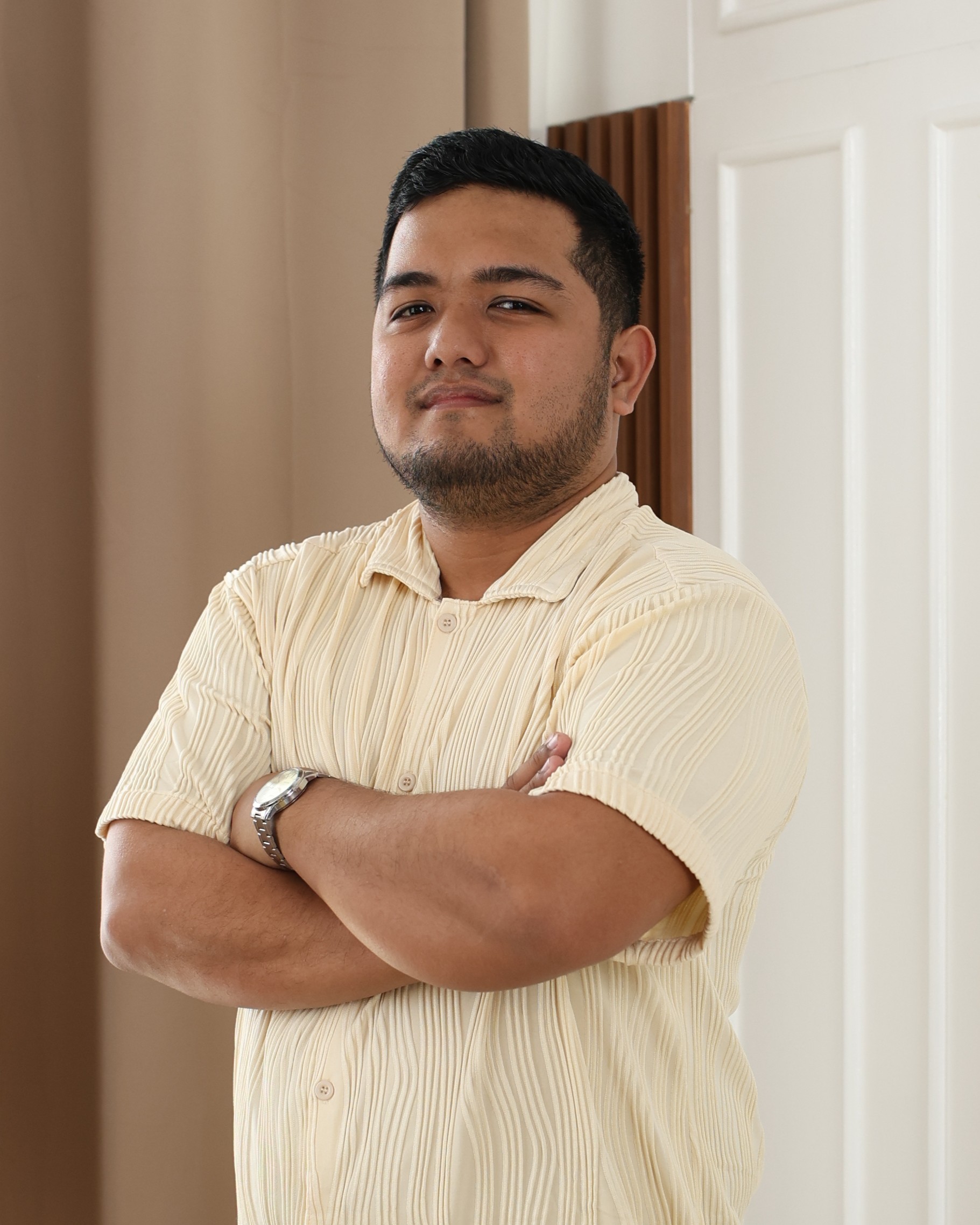
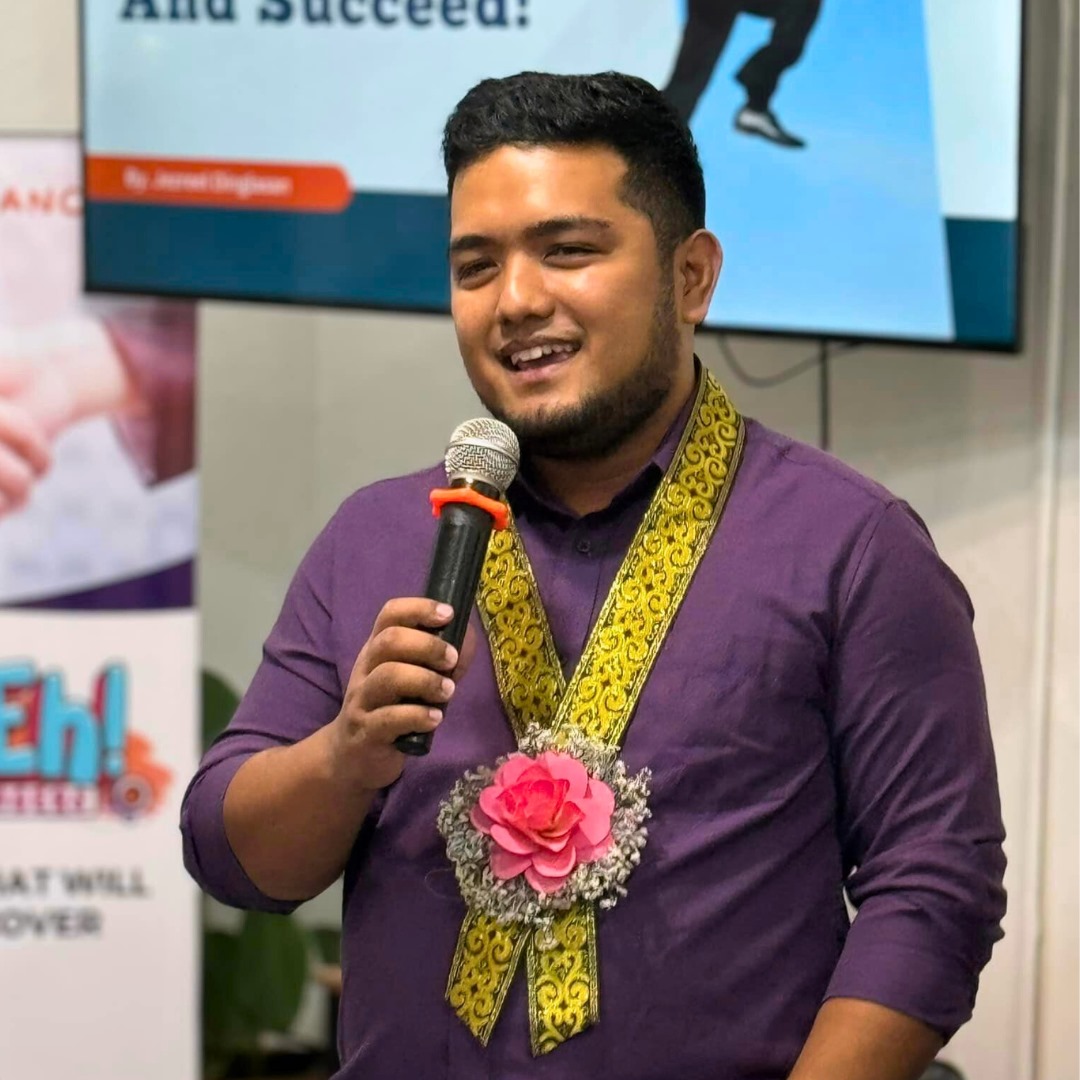
Jezreel Dinglasan
Jezreel’s journey into video editing didn’t start with shortcuts or overnight success. He began editing videos long before freelancing was mainstream, experimenting with basic tools, editing gaming highlights, and learning through trial and error long before it was “cool” or profitable.
In 2020, during the pandemic, Jez transitioned out of an eight-year career in the BPO industry and committed fully to freelancing. With no safety net and no agency backing him, he focused on building one skill he knew he could sell globally: video editing.
His first long-term client was a real estate photography and videography company based in California. Despite having no prior real estate editing experience, Jez was trained directly by the team and went on to spend two years editing high-end property tours, drone footage, and polished marketing videos, often spending days refining a single video.
This period became his foundation.
As demand grew, Jez transitioned from solo editor to team lead. He began outsourcing, reviewing work, correcting mistakes, and eventually building systems to maintain quality across multiple editors. This evolution led to the creation of 1StepAhead, where he now leads and quality-checks a team serving both local and international clients.
Today, Jez focuses on teaching beginners the fundamentals that matter most: how to think like an editor, avoid common mistakes, build clean workflows, and develop judgment that goes beyond templates and tools. His approach emphasizes mastering the craft first, before chasing clients or trends.
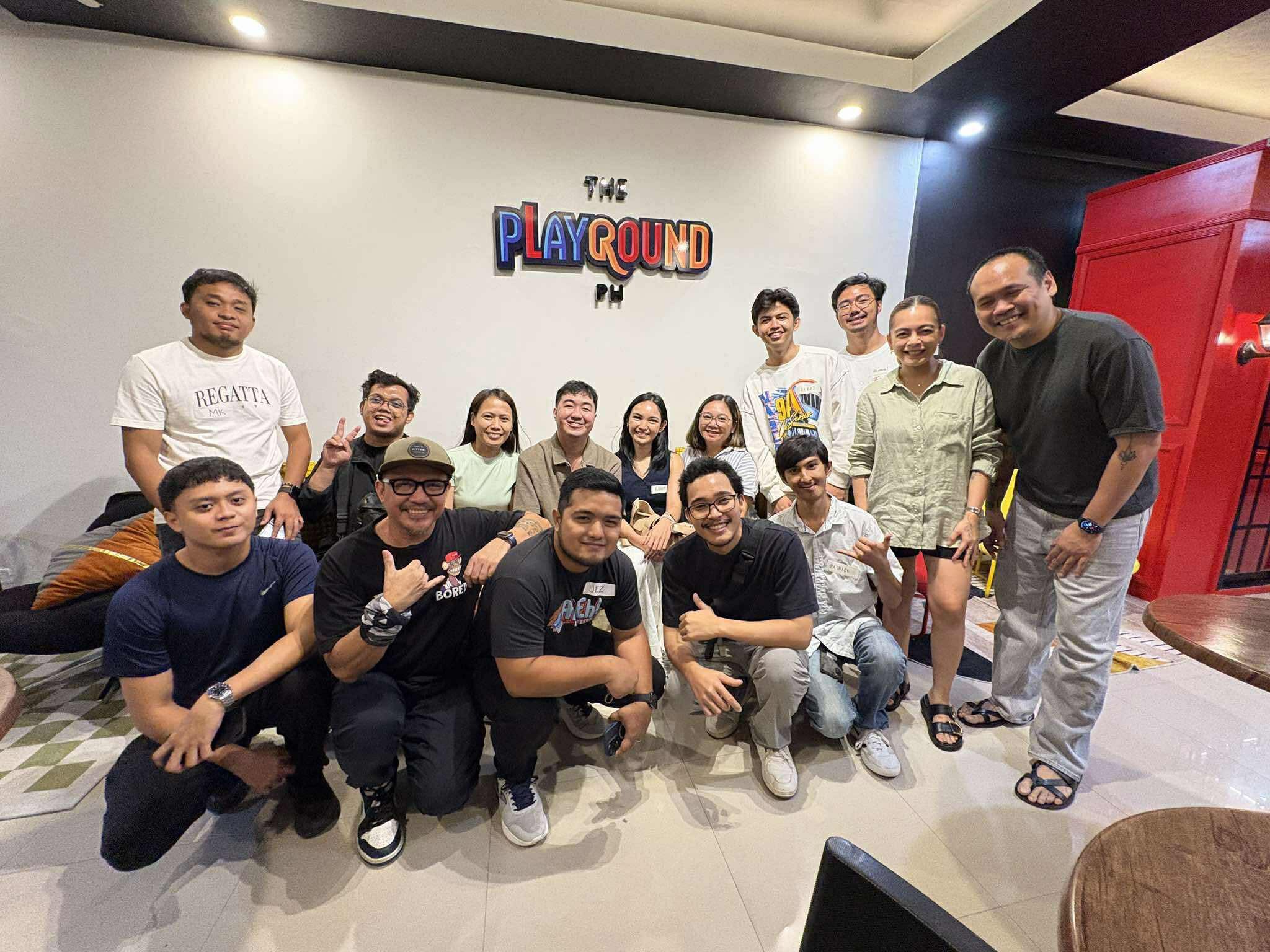
Endorsed by industry leaders
What Clients are Saying about JEZ
Hear from Real-World Clients
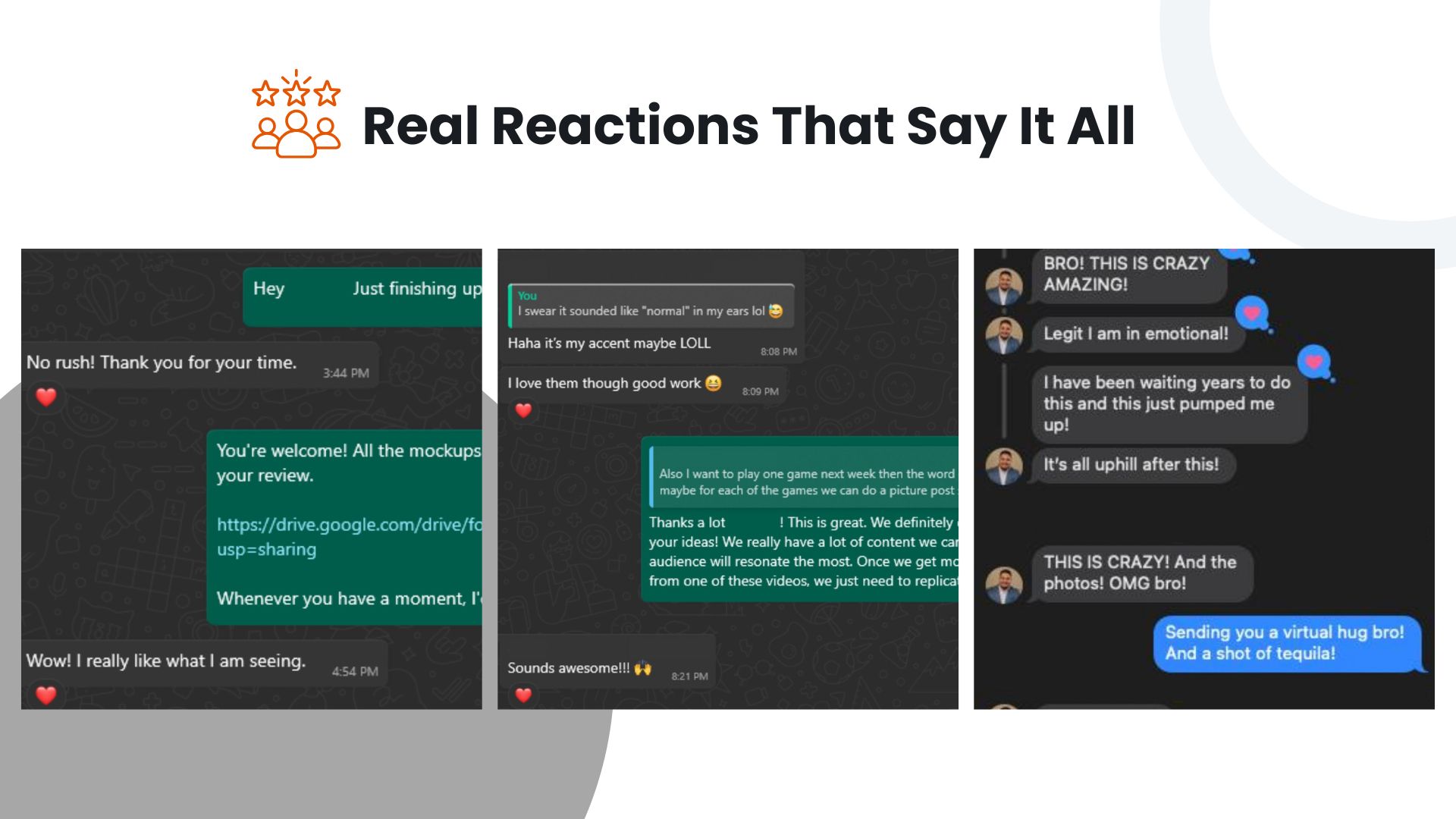
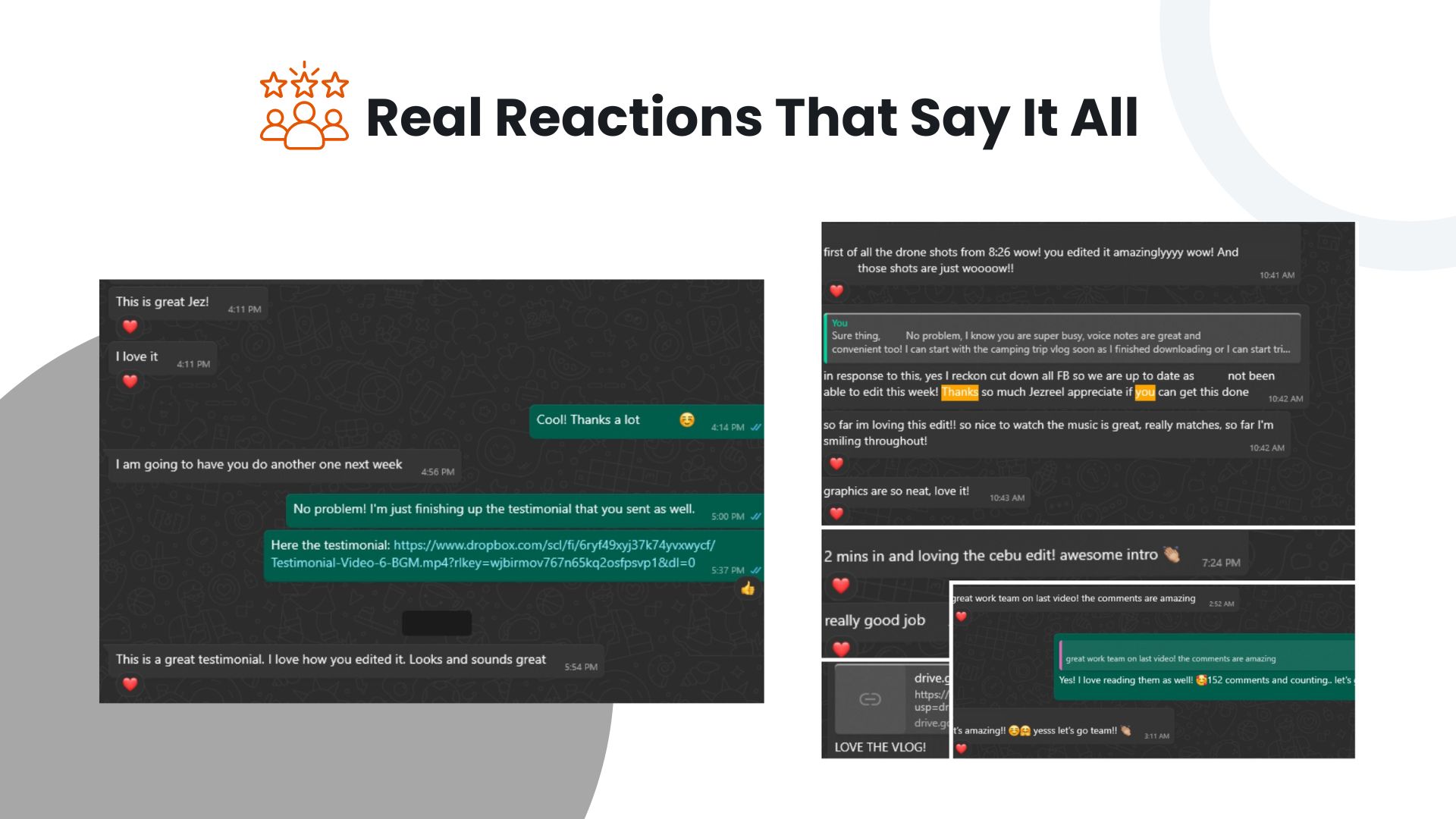
CLIENT TESTIMONIALS
Relied upon by clients globally
Editing under real deadlines, working with professional photographers and videographers, and handling real client expectations shaped his approach to quality, pacing, and storytelling.


Frequently Asked Questions
Do I need prior editing experience?
No. Beginners are welcome.
Will there be hands-on exercises?
Yes! Each session is designed to edit, practice, and produce videos.
Will I get feedback?
Yes! Personalized feedback from the mentor on your edits.
Do I need a software?
Yes, please bring any installed free or paid editing software (CapCut, Premiere Pro, DaVinci Resolve).
Will there be a certificate?
Yes, all participants will receive a certificate of completion.
Final Takeaway
Participants don’t just learn how to edit…
They leave confident, structured, and ready to produce portfolio-worthy videos.
Start editing with confidence with just P3950 for in-person seats and P2950 for virtual attendance
Post Address
Address
HQ: 3f, RDC Plaza, Ayala Hwy, Lipa City, 4217 Batangas